

Maurice Müller
Senior Content Manager
Maurice Müller is a journalist and content strategist with experience across print and digital media. At Formalize, he translates complex compliance and regulatory topics into clear, practical content for compliance, risk, and security professionals across Europe.
Key takeaways:
Auditors typically ask for more than the policy itself: which version applied, who approved it, and who has read it.
Frameworks increasingly expect proof. ISO 27001 Annex A control 5.1, for example, calls for policies to be approved by management, communicated to and acknowledged by relevant personnel, and reviewed at planned intervals.
The lifecycle runs in seven steps: identify the need and owner, draft, review, approve, publish, track acknowledgment, and review or retire.
A good process rests on five things: ownership, consistency, control, communication, and review backed by evidence.
Software becomes useful once policies, owners, and review dates outgrow spreadsheets and email, especially when policies need to connect to controls and risks.
An auditor asks for your access control policy. Not just the document, but the version that applied last March, the record of who approved it, and evidence that the people it covers actually read it. The team finds three versions in a shared drive, an approval buried in an email thread, and an acknowledgment list in a spreadsheet that hasn't been updated since before the last round of new hires.
The policy itself may be perfectly sound. What's missing is the management around it: a clear current version, a recorded approval, and proof that the right people were reached. That gap is what policy management closes.
What is policy management?
A policy states what an organization expects: how access to systems is granted, how personal data is handled, how employees should report concerns. Writing it is one moment. Managing it is everything that follows, for as long as the policy is in force.
That means making sure each policy is approved by someone with the authority to approve it, reaches the people it applies to, stays aligned with the risks and requirements behind it, and gets updated or retired when those change. In practice, an organization with working policy management can answer three questions about any policy at any time: which version is current, who owns it, and when it's due for review.
A note on terms: "policy management" is also used in other contexts, for administering insurance contracts, for example, or for managing firewall rule sets in network security. This article is about the internal policies that govern how an organization works, from information security and data protection to codes of conduct.
Examples of policies organizations need to manage
Most organizations manage a core set of policies. The exact list depends on their sector and the frameworks they follow, but these are common:
Information security policy. Sets the overall direction for protecting information, and is the policy ISO 27001 Clause 5.2 requires.
Access control policy: Defines who gets access to which systems and data, and how access is granted, reviewed, and removed.
Data protection and privacy policy: Describes how personal data is collected, used, stored, and deleted in line with the GDPR.
Incident response policy: Sets out how incidents are reported, assessed, and escalated, including regulatory reporting deadlines.
Acceptable use policy: Explains how employees may use company devices, systems, and data, and what isn't allowed.
Supplier security policy: Defines the security requirements that vendors and other third parties have to meet.
Why is effective policy management important?
A policy that nobody can find, or that contradicts another policy, doesn't guide anyone. Effective policy management turns policies into something an organization can rely on:
Clear responsibilities. Each policy has an owner, and employees know what's expected of them.
Fewer outdated or conflicting rules. Regular reviews catch policies that no longer match how the organization works, which reduces risk instead of creating it.
Demonstrable governance. Approvals, versions, and reviews show that policies are part of how the organization is run, a core principle of GRC.
Employees who've received the rules. Distribution and acknowledgment show who has seen which version.
Evidence on request. When an auditor or regulator asks, the record already exists.
When policy management breaks down, the gaps show up in audits and incidents. In an ISO 27001 certification audit, a policy with no recorded approval or no evidence that it was communicated can lead to a nonconformity. An incident response policy that still names a contact who left the company slows down the response. And an access policy written before the move to cloud services can leave real risks uncovered, even though the document itself looks complete.
What frameworks expect from policies
Most compliance frameworks don't stop at "have a policy." They describe how policies should be managed:
Framework | What it expects |
|---|---|
ISO 27001 | Clause 5.2 requires an information security policy that's documented and communicated within the organization. Annex A control 5.1 extends this to topic-specific policies: defined, approved by management, published, communicated to and acknowledged by relevant personnel and interested parties, and reviewed at planned intervals and after significant changes. |
NIS2 | Article 21 requires essential and important entities to have policies on risk analysis and information system security, among other measures. Under Article 20, their management bodies must approve those cybersecurity risk-management measures and oversee their implementation. The details depend on each country's national law. |
DORA | Financial entities need ICT security policies as part of a documented ICT risk management framework. Under Article 6, that framework has to be reviewed at least once a year, or periodically for microenterprises, and after major ICT-related incidents. Smaller entities under the simplified regime follow lighter rules. |
GDPR | Article 24 requires controllers to implement appropriate data protection policies where that's proportionate to their processing activities. |
The common thread: frameworks look for evidence that policies are approved, communicated, and kept current. Having a policy on file is only the starting point.
What is the policy management lifecycle?
The policy management lifecycle is the sequence every policy moves through, from the moment someone recognizes the need for it to the day it's retired. Here's how it works, with an access control policy as a running example.
1. Identify the need and assign ownership
Every policy should exist for a reason: a regulatory requirement, a risk, a contractual obligation, or a recurring decision that needs a consistent answer. Name the requirement or risk it addresses, and assign one owner who is accountable for it. For an access control policy, the need might come from ISO 27001 or NIS2, and the owner is often the head of IT or information security.
2. Draft the policy
A good draft is specific about scope, responsibilities, and requirements: who the policy applies to, who does what, and what's expected. It doesn't need to describe every step of every task. That's what procedures are for.
3. Review the policy
Before approval, the draft goes to the people who can spot problems: subject-matter experts, legal or compliance where the policy has regulatory implications, and the teams who'll have to follow it. For the access control policy, IT operations might point out that a rule can't be enforced on legacy systems.
4. Approve the policy
Approval should come from someone with defined authority to approve it, and the approval itself needs to be recorded: who approved which version, and when. For information security policies, that's typically management, as the frameworks above expect.
5. Publish and distribute the policy
The approved version needs to be easy to find for everyone it applies to, and it needs to be clear that it's the current one. Outdated copies saved locally or forwarded by email are one of the most common sources of confusion.
6. Track acknowledgment and implementation
Publishing a policy shows that it was available. Acknowledgment shows that the relevant people received it and confirmed they've read it. That difference matters: ISO 27001 explicitly calls for acknowledgment by relevant personnel. Implementation goes one step further, and is usually shown through the controls, training, and checks that put the policy into practice.
7. Review, update, and retire policies
Policies need scheduled reviews, and unscheduled ones when something changes: a new regulation, a reorganization, a new system, or an incident. Each update creates a new version, with a history of what changed and why. When a policy is no longer needed, it should be formally retired and archived, so it can still be produced for audits covering the period when it applied.
See how your policies would run in Formalize
Bring one of your current policies and its approval trail, however it's stored today. We'll show you how it looks when ownership, approvals, versions, and acknowledgments sit in one place.

What makes a good policy management process?
The lifecycle describes the steps. Five qualities decide whether those steps hold up over time:
Ownership: Every policy has one accountable owner, and that responsibility moves with the role when people change jobs.
Consistency: Policies follow a common structure, use the same terms, and don't contradict each other.
Control: Approvals, versions, and changes are traceable, so you can show what applied when.
Communication: Employees covered by a policy can access it, know it exists, and are told when it changes.
Review and evidence: Policies stay current, and the organization can demonstrate each stage of the lifecycle without reconstructing it after the fact.
What is policy management software?
Policy management software is a system for centralizing policies together with their owners, approvals, versions, review dates, and acknowledgments. It replaces the combination of shared drives, spreadsheets, and reminder emails that most organizations start with.
Organizations usually need it when one or more of these become true:
The number of policies and owners grows beyond what one person can track.
Frameworks require evidence, such as approvals and acknowledgments for an ISO 27001 certification audit.
Reviews keep slipping, because nobody gets reminded until the auditor asks.
Policies need to connect to the rest of compliance work, such as the controls that implement them and the risks they address.
That last point is where policy management software differs most from a document repository. A policy linked to its controls and risks shows both what the organization expects and how that expectation is carried out day to day. For the broader category, see our guide to compliance management software.
Key features to look for in policy management software
When you compare tools, look past document storage. These features decide whether the software supports the whole lifecycle:
Feature | Why it matters |
|---|---|
Version control and history | Shows which version applied at any point in time, and what changed between versions. |
Approval workflows | Routes each draft to the right approver and records who approved which version, and when. |
Distribution and acknowledgment tracking | Sends policies to the right employee groups and shows who has confirmed they've read them. |
Review scheduling and reminders | Flags policies that are due for review before they go out of date. |
Templates and a standard structure | Keeps policies consistent, so they're easier to write, review, and compare. |
Links to controls, risks, and frameworks | Shows how each policy is put into practice and which requirements it covers. |
Audit trail and reporting | Produces evidence for auditors without reconstructing it from emails and spreadsheets. |
How Formalize supports policy management
Formalize keeps the lifecycle around each policy in one place:
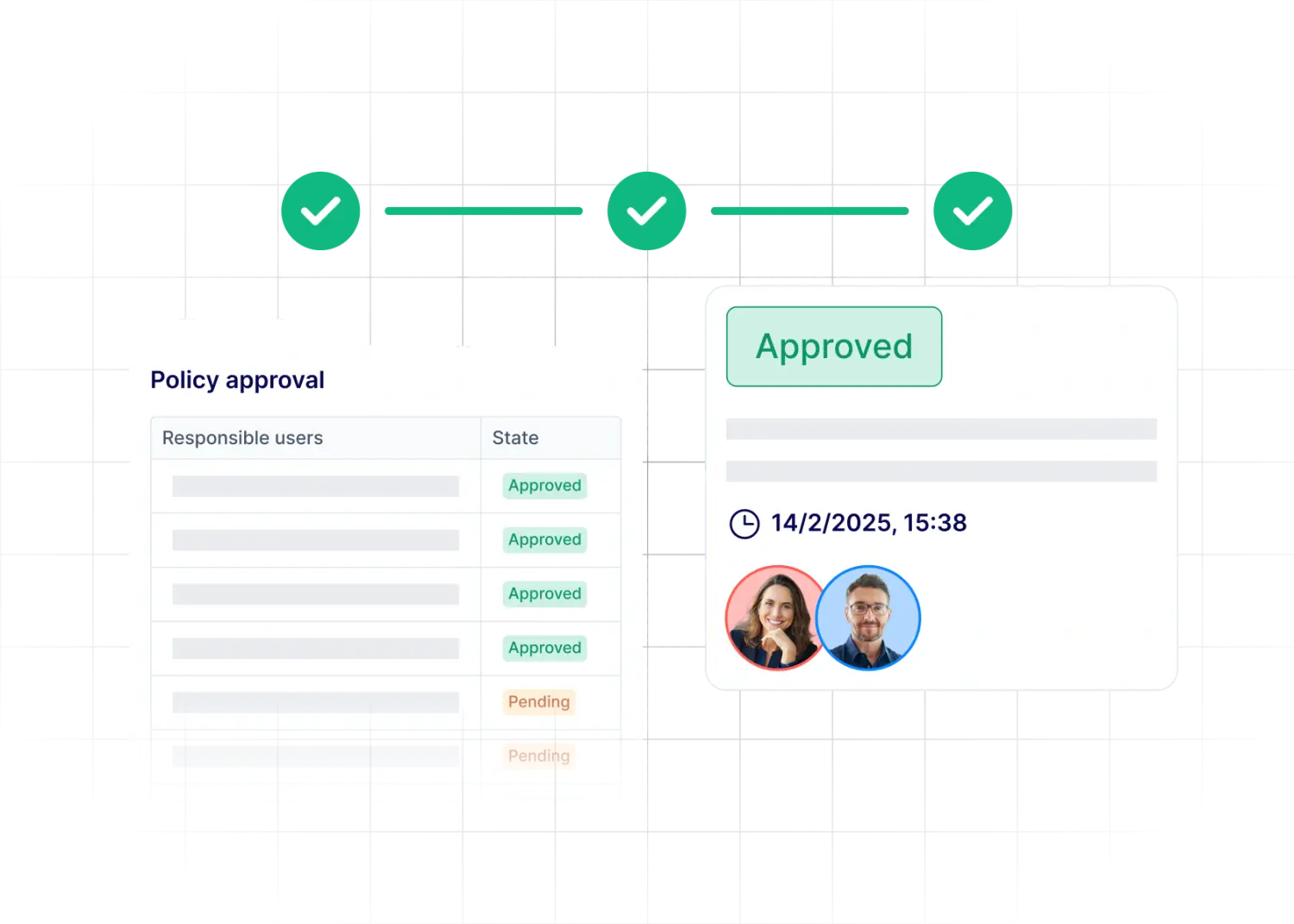
Owners, approvals, and version history for every policy, so the approval behind each version is on record.
Distribution to the right employee groups, with acceptance tracking as evidence that policies have been received and acknowledged.
Reminders for reviews and open tasks, so policies don't quietly go out of date.
Policies linked to controls and tasks, alongside your risk, incident, and compliance work in the same system.
Policy management checklist
Use this list to see where your current process stands:
Every policy has a designated owner, and ownership moves with the role.
Each policy is linked to the requirement or risk it addresses.
Policies follow a standardized structure and use consistent terms.
Approval responsibilities are clearly defined for each type of policy.
Every approval is recorded with the approver, the version, and the date.
Only the current version is published, in a location every employee can access.
Acknowledgment is tracked for every employee group a policy applies to.
Every policy has a next review date, with reminders before it's due.
Retired policies are archived and can still be produced for past audits.